Better Background Images Blender Addon
$10.00
Purchase Options
Get 160+ Assets
$10.00
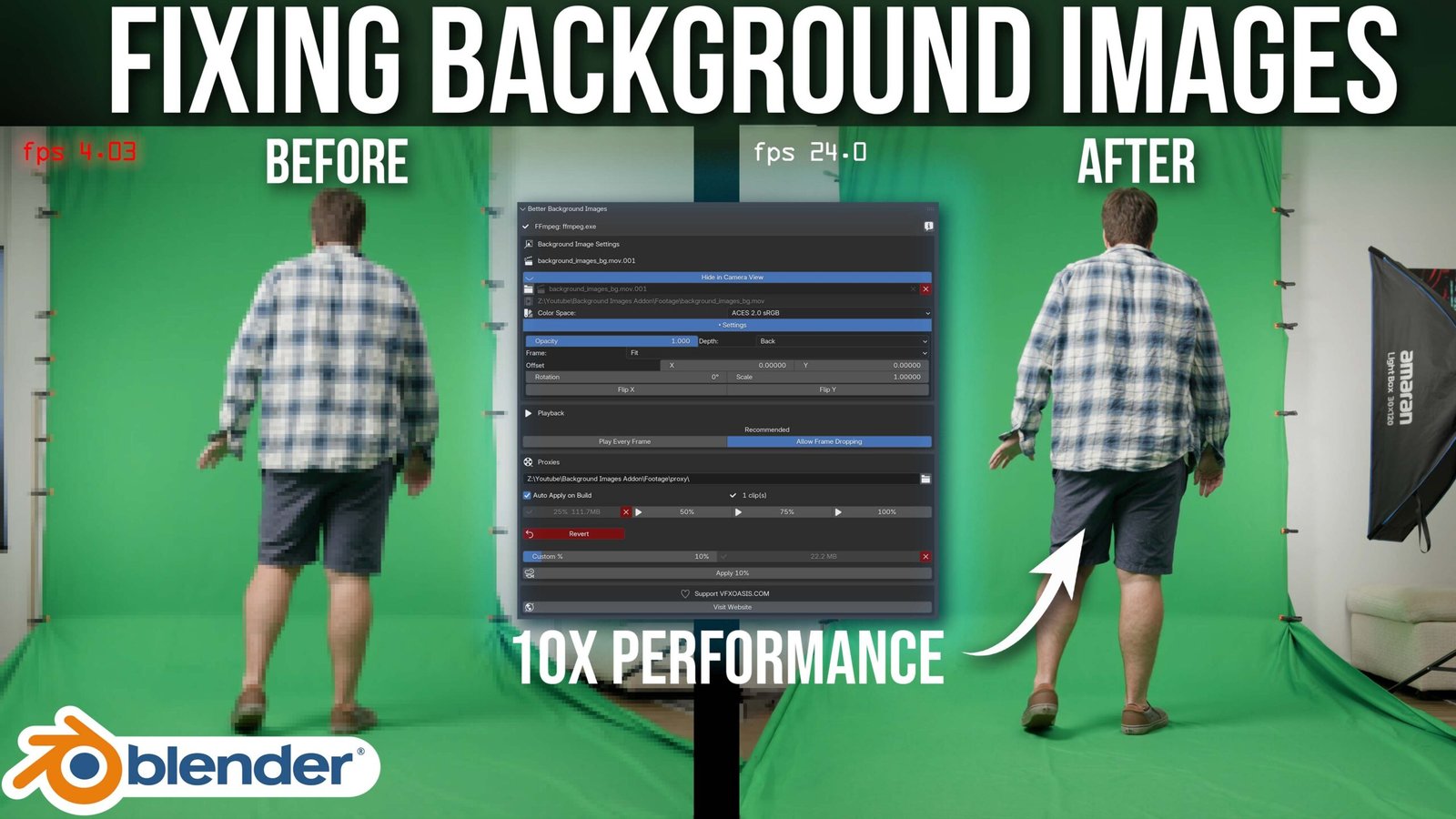
Stop letting heavy footage slow down your viewport.
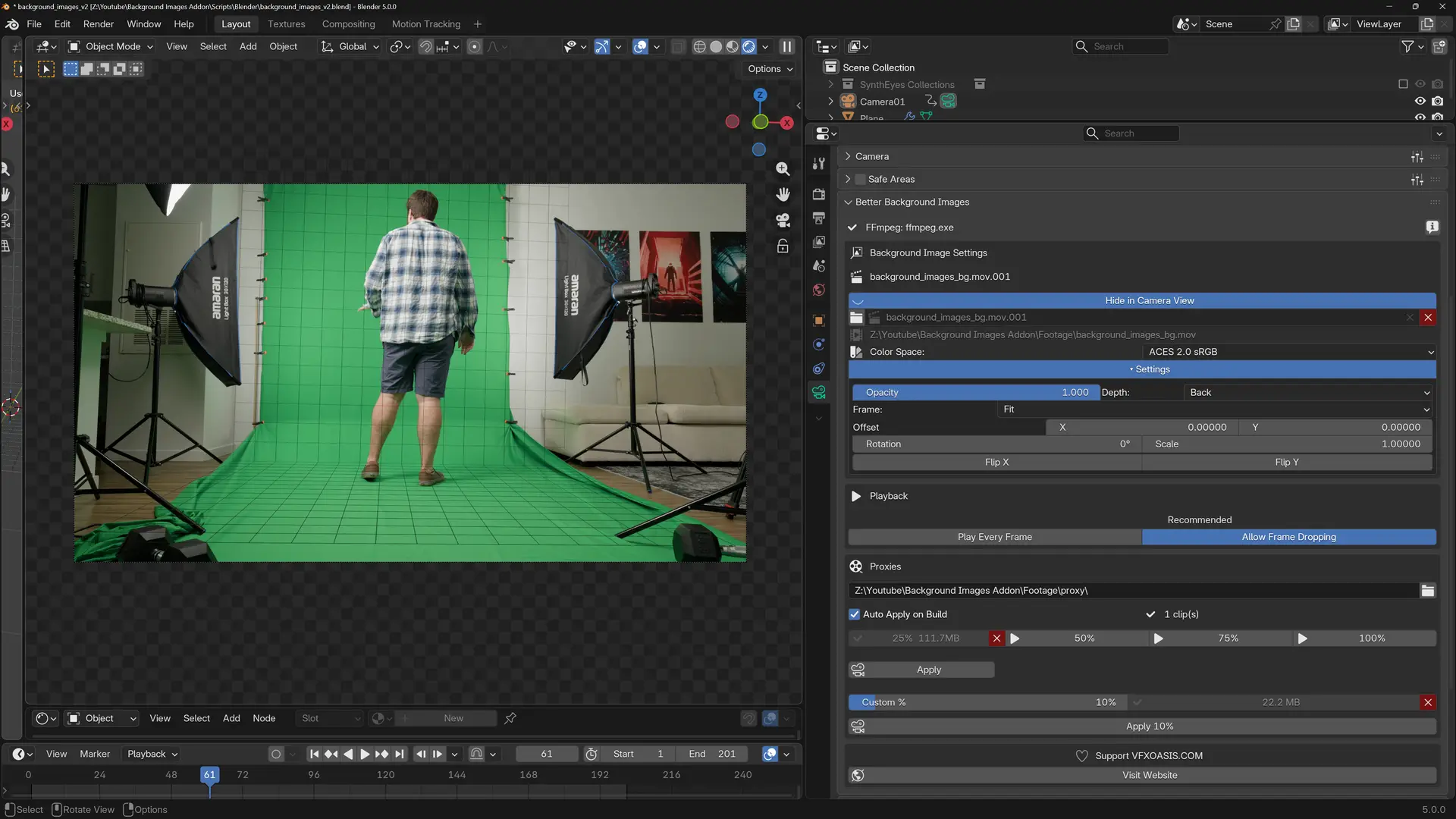
Better Background Images is a Blender addon built for VFX artists, cinematographers, and motion designers who use camera background footage in their projects. Whether you’re tracking, compositing, or previewing camera movement against real footage, this addon gives you full control over your background images — without ever leaving the Camera Properties panel.
The Problem
Blender’s native background image system works, but it has real limitations. High-resolution video files — especially 4K, 6K, or RAW footage — can grind your viewport to a halt. Switching between your original footage and a proxy means digging through menus. Managing settings like opacity, colorspace, and scale across both the original and proxy requires manual work. And there’s no built-in way to generate proxies directly from the camera view.
Better Background Images solves all of this in one place.
Key Features
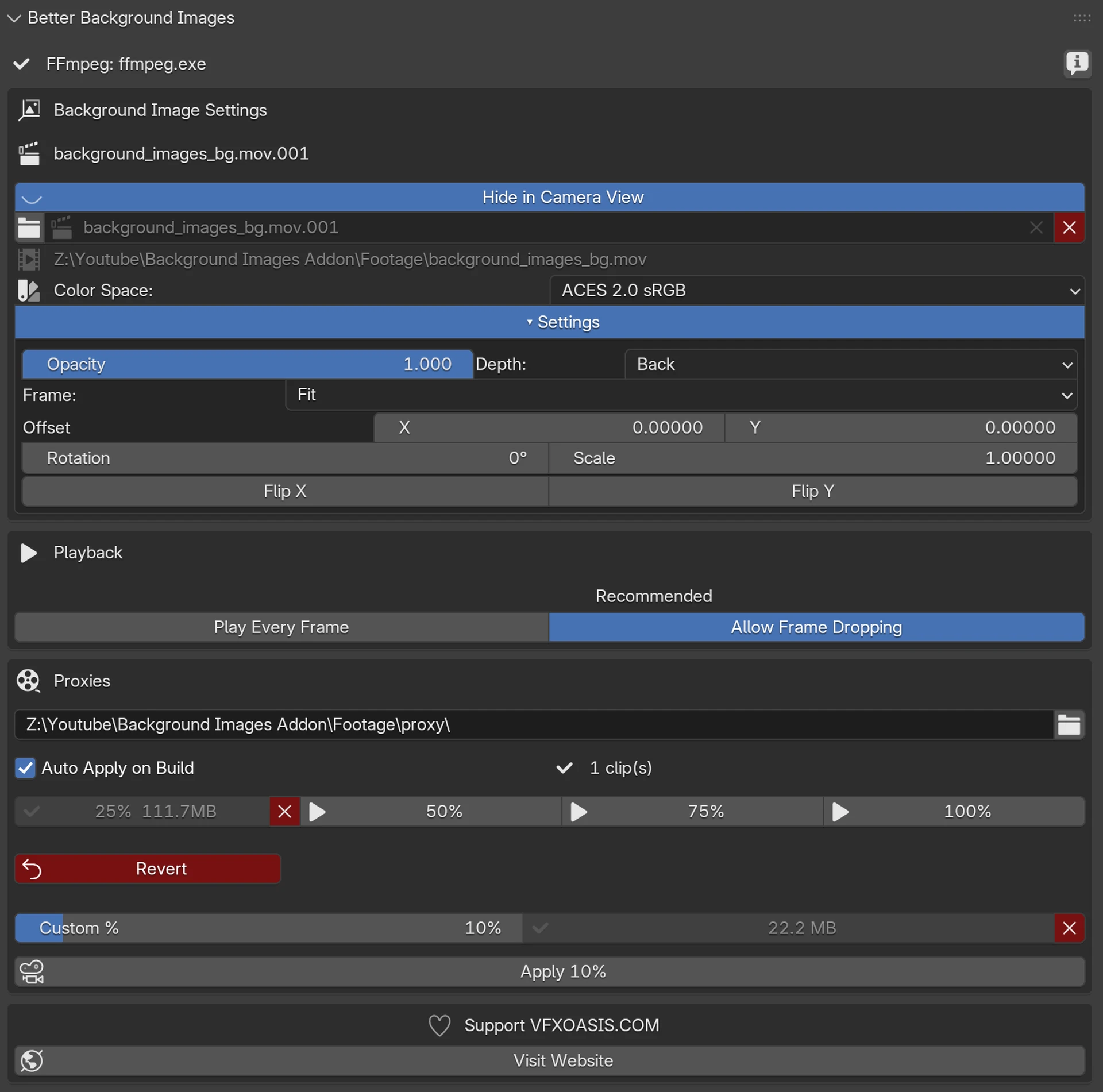
Proxy Generation Generate lightweight PNG proxy sequences at 25%, 50%, 75%, 100%, or any custom resolution directly from the panel. Proxies are built using FFmpeg in the background while you keep working. Once built, apply any proxy with one click — and revert just as easily.
One-Click Apply and Revert Each proxy size has its own Apply button. Press it to switch to that proxy instantly. Press it again to revert to the original footage. No extra menus, no hunting for settings.
Auto Apply on Build Enable Auto Apply and the addon will automatically switch you to the new proxy the moment it finishes building — zero extra steps.
Smart Background Image Settings A full background image control panel lives right inside the Camera Properties — no need to jump between panels. Adjust opacity, colorspace, depth, offset, rotation, scale, flip, frame method, and more. All settings automatically sync to your proxy background in real time so your original and proxy always look identical.
Direct Footage Import Browse and load footage directly from your file system with the built-in file browser. Your clip is automatically added as a camera background image with the correct settings applied.
Playback Control Toggle between Play Every Frame and Allow Frame Dropping without opening the Timeline. A clear Recommended label helps you make the right choice for smooth playback.
FFmpeg Integration The addon auto-detects FFmpeg from your Blender installation or system PATH. If it can’t find it, a built-in download button takes you straight to the official source with clear setup instructions.
Who Is This For?
- VFX artists working with on-set footage in Blender
- Animators using real video reference as camera backgrounds
- Cinematographers previewing shots against plate photography
- Anyone whose viewport slows down from heavy background footage
System Requirements
- Blender 5.0 or later
- Windows, macOS, or Linux
- FFmpeg (auto-detected or manually set in the panel)
Built by VFX Oasis
VFX Oasis builds tools for working artists — practical, production-tested, and designed to remove friction from your workflow. Visit us at vfxoasis.com.
You must be logged in to post a review.
Reviews
There are no reviews yet.